Fish Kernel for Jupyter
fish-kernel is a Jupyter kernel implementation for the fish shell.
Requirements
Python
>=3.10fishcommand available onPATHJupyter frontend (
jupyterlabor notebook)Supported OS: Linux, macOS, and Windows (WSL)
Native Windows is not supported (fish shell dependency)
Install
pip install fish-kernel
Or from conda-forge with conda, mamba, or pixi:
conda install -c conda-forge fish-kernel
mamba install -c conda-forge fish-kernel
pixi add fish-kernel
Then register the kernelspec:
fish-kernel add --user
Verify it is registered:
jupyter kernelspec list
To unregister it later, run fish-kernel remove.
Usage example
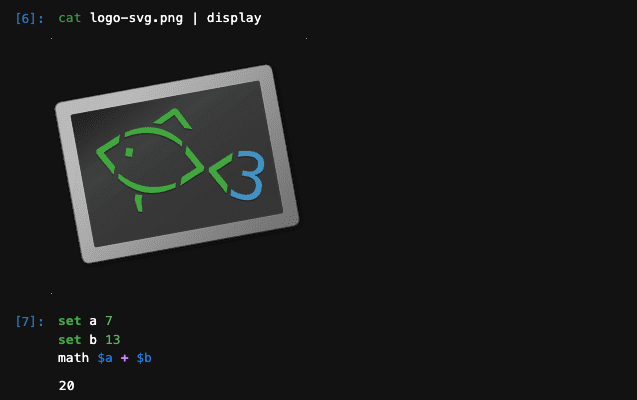
set a 7
set b 13
math $a + $b
Documentation
Full documentation, including all install options, usage, development, and troubleshooting, is available at https://eunos-1128.github.io/fish-kernel/.
Acknowledgements
This project was developed with inspiration from: